
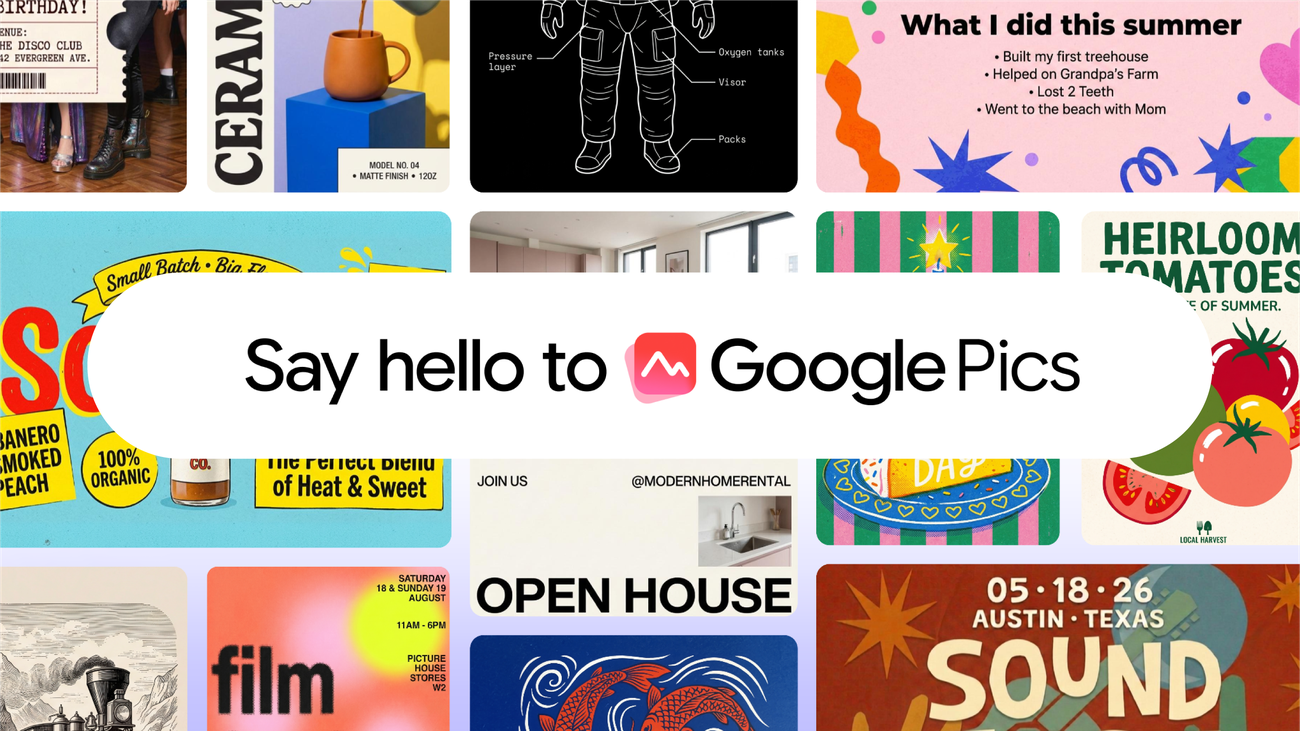
Google Pics brings prompt-driven image creation and editing into Workspace, turning design into another task that can begin with a sentence instead of a blank canvas.
What Pics is designed to do
Users can generate visual elements, edit uploaded images and assemble polished assets with natural-language instructions. Its position inside Workspace means those graphics can move directly into presentations, documents and team workflows.
Why Canva is the obvious comparison
Canva made professional-looking templates accessible to non-designers and built collaboration around them. Google can challenge that convenience by connecting Pics to accounts, files and productivity tools that organizations already use.
Creation is not the same as design
AI can produce options quickly, but hierarchy, brand consistency, accessibility and factual accuracy still require judgment. Generated text inside images and licensed brand assets also need careful review.
What will decide the competition
The important questions are output quality, editing control, pricing and interoperability. If Pics feels like a natural extension of Slides and Drive, distribution—not just model capability—could become Google’s strongest advantage.
Where Pics fits in Workspace
The natural workflow begins with content already stored in Drive or created in Docs and Slides. Pics can become the visual-production layer that turns those materials into social graphics, diagrams and campaign assets.
Tight integration could reduce downloading, uploading and version confusion. It also gives administrators one account system for access and sharing.
Templates still matter in an AI tool
A prompt can generate a starting point, but organizations need repeatable layouts, approved colors and reliable logo placement. Canva’s template ecosystem is a major advantage that Google must match.
Brand controls are especially important when hundreds of employees can create public-facing material without a designer reviewing every file.
The quality questions
Users should test typography, small text, hands, charts and exact brand elements rather than judging only a dramatic demo image. Generative systems often perform better on mood than precision.
Editing controls determine whether a near-correct output saves time. If every change requires regenerating the entire composition, professional users may return to conventional software.
Copyright and provenance
Generated designs can resemble existing imagery or include elements whose origin is unclear. Businesses need documentation about training, indemnity and the permitted commercial use of outputs.
Content credentials or provenance signals can help, but they do not replace review of trademarks, people’s likenesses and licensed assets.
Accessibility cannot be automatic
A visually attractive graphic may have poor contrast, unreadable type or information conveyed only through color. Pics should surface accessibility checks alongside creative suggestions.
Alt text generated by AI also needs human review; a confident description can omit the detail that gives an image its meaning.
Can it really rival Canva?
Google has distribution, collaboration and AI infrastructure. Canva has a focused design culture, mature templates and strong creator familiarity. The outcome will depend on workflow quality rather than one model benchmark.
Many organizations may use both: Pics for rapid creation inside Workspace and Canva for polished, template-driven production.
Sources and verification
This report was prepared from current material available on September 2, 2026. Developing facts may change, and allegations are identified as allegations.
Editorial standard
Chitran Newsroom separates confirmed facts, contextual analysis and forward-looking interpretation. Corrections are made transparently when credible new evidence changes the record.